Memory of Memorie PC Controls (Steam)
Mouse and keyboard controls for Memory of Memorie on Steam Windows and macOS — timer, menus, decor, and shortcuts.
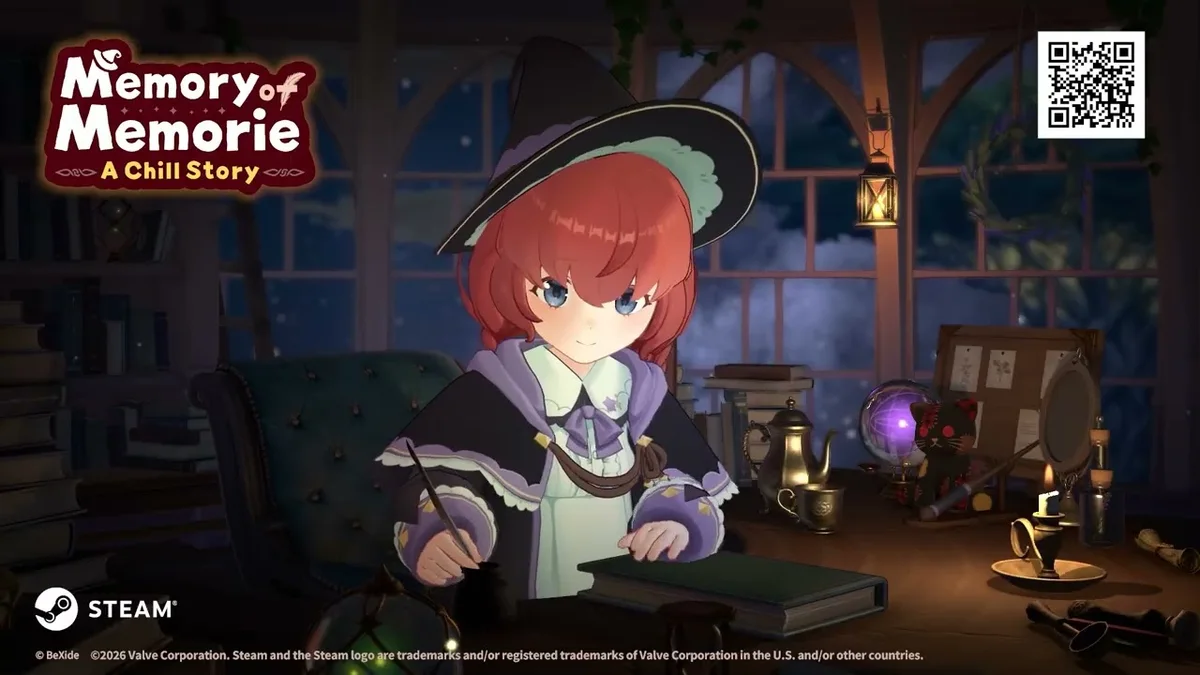
Overview
Memory of Memorie : A Chill Story on Steam for Windows and macOS targets mouse-driven UI with keyboard shortcuts for frequent actions. You will spend most session time on your real work app while the game runs beside or behind Memorie’s desk.
BeXide Inc. keeps bindings minimal to support ultrawide co-working layouts and stream overlays.
Mouse actions
| Action | Input |
|---|---|
| Navigate menus | Left click |
| Confirm dialog | Left click on highlight |
| Camera rotate in decor | Click-drag on room view |
| Scroll lists | Mouse wheel |
Keyboard shortcuts (common defaults)
Verify in Settings → Controls each patch:
| Key | Action |
|---|---|
| Space | Start/pause focus (if enabled) |
| Esc | Close top menu |
| Tab | Cycle desk panels |
| C | Open calendar (example binding) |
| R | Enter room customize mode |
Rebind on PC when conflicts with creative software (Photoshop, IDE).
macOS notes
Use same Steam build; Command key may replace Ctrl in system dialogs outside game. Test fullscreen versus windowed for Mission Control swipe accidents mid-block.
Ultrawide and multi-monitor
Place timer peripheral vision on secondary monitor if primary is IDE.fullscreen. Memorie’s Celtic audio still plays—adjust volume in Soundtrack guide.
Steam Deck / handheld PC
Treat as controller-first; map paddles to timer if Steam Input profile shared by community.
During focus blocks
Game expects keyboard use for your task—typing does not cancel focus. Avoid clicking back into game unless adjusting timer.
PC as the achievement reference platform
Steam (Windows and macOS) remains the canonical home for Memory of Memorie : A Chill Story achievement tracking—15 trophies at July 2026 launch with pop-ups tied to save data. Mouse-first menus suit ultrawide desks where Memorie sits beside your IDE or notes app. Keyboard shortcuts (where documented per patch) speed calendar review and room decor mode without breaking Pomodoro focus.
BeXide Inc. supports English, Japanese, Simplified Chinese, Traditional Chinese, and Korean UI on Steam—set language in Properties before first launch if needed. macOS players should confirm Apple Silicon or Intel build compatibility on the store page.
Dual-screen and streaming setups
Many players run the game on a secondary monitor while primary displays hold real work—the intended chill loop. Before long Lightroot Tree dialogue scenes, save a Preset with a cozy camera angle so you click less during emotional beats. Pair hardware notes here with Experience and Keys when planning evening key spends after level-ups, and with PC-adjacent tools to preview Pomodoro totals before applying in-game slider changes via Pomodoro Settings Helper.
Extended reference
This section adds practical context for Steam keyboard and mouse bindings in Memory of Memorie : A Chill Story. BeXide Inc. released the title in July 2026 on Steam (Windows and macOS), Nintendo Switch, and Nintendo Switch 2 Edition. You play beside Memorie, an apprentice witch in Elmana Village, progressing through honest Pomodoro focus rather than combat grinding.
Keys arrive from experience level-ups after completed work blocks. Spend them at the Lightroot Tree for story beats or on room unlocks and magic unlocks documented in the Unlocks hub. The in-game calendar logs finished sessions—pair calendar streaks with Achievement Tips when hunting all 15 Steam achievements.
Platform parity matters for daily habits. Switch handheld sessions should still use in-game timer completion so calendar dots and XP register; PC players alt-tabbing during blocks risk losing focus without pausing real-world obligations. Demo veterans migrating saves should read Demo Progress Carryover before assuming key balances match a fresh start.
For session planning, cross-read How to Use Pomodoro, Experience and Keys, and Chapter Guide so Steam keyboard and mouse bindings decisions align with your real schedule. Memorie’s chill tone rewards gentle consistency—return after busy days without punitive resets.
Community verification
Fan wiki pages update after major patches. Confirm store listings on Steam when key tables or achievement wording shift. Nintendo eShop notes for Switch 2 Edition may mention sharper UI scaling without changing Pomodoro rules.
Returning players often ask whether missed calendar days block story progress—they do not. Memorie waits at the desk until you finish your next honest block, then keys flow again from XP. Optional Lightroot Tree branches may need saved keys; note planned spends in Focus Session Planner before marathon study nights on Steam or Switch 2.
Related
PC controls stay out of the way so your real tools stay foreground.
Frequently Asked Questions
Quick answers about Memory of Memorie : A Chill Story.
Windowed borderless?
Recommended for alt-tab work flows.
Steam Input conflicts?
Disable generic templates if clicks mis-register.
macOS Apple Silicon?
Native ARM build or Rosetta per store page.
Photo mode keys?
Use decor camera controls documented in room guides.